Account Managment
The PEA HiVE IDE allows you to view and edit information about your Locations, Hubs, Devices, custom SmartApps and Device Handlers, as well as view a live log for all your PEA HiVE devices and apps.
Locations
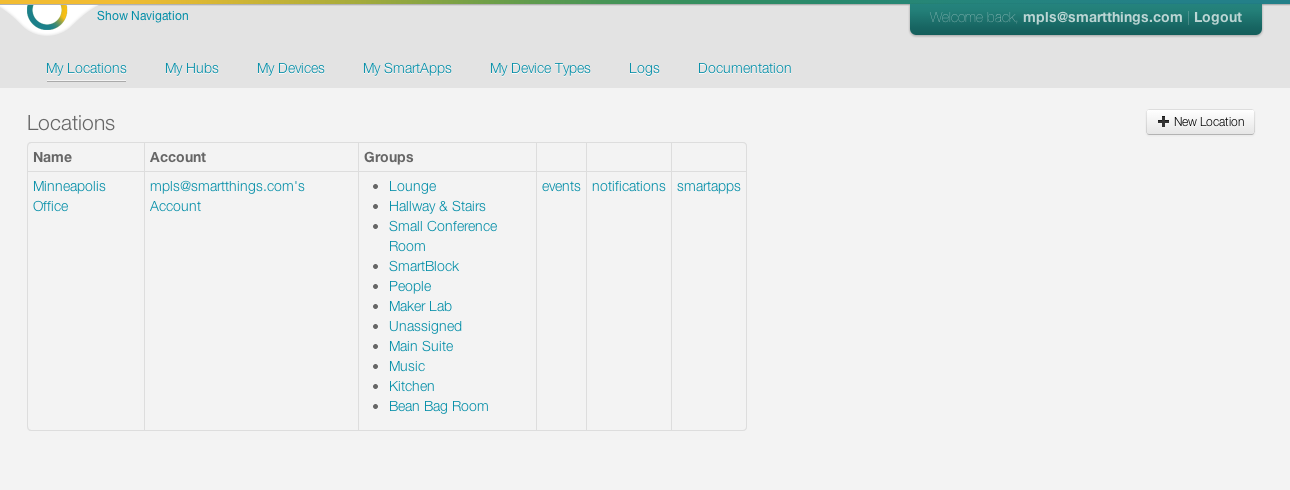
My Locations will show all Locations registered to your account. Choosing a particular Location will allow you to see more in depth information on that Location, including the groups created under that Location. You can also see all Events, notifications, and SmartApps under a particular Location.
Hubs
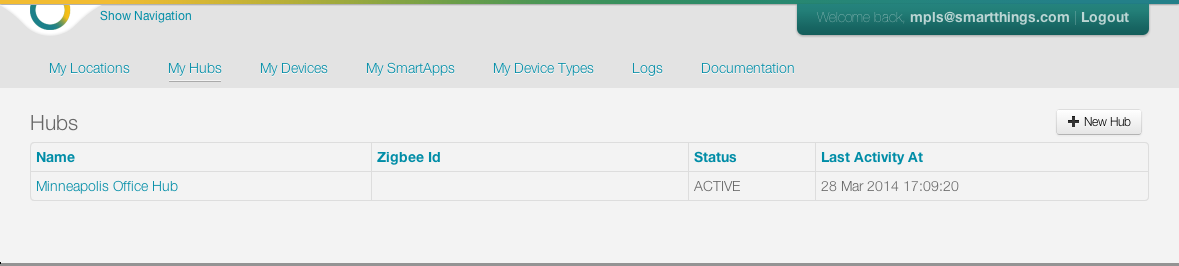
My Hubs will show all Hubs registered to your account. Choosing a particular Hub will give a comprehensive look at all of the attributes of your Hub, with the opportunity to observe all Events that have taken place, by clicking on List Events. You can also view all of the devices that are registered to your Hub.
Devices
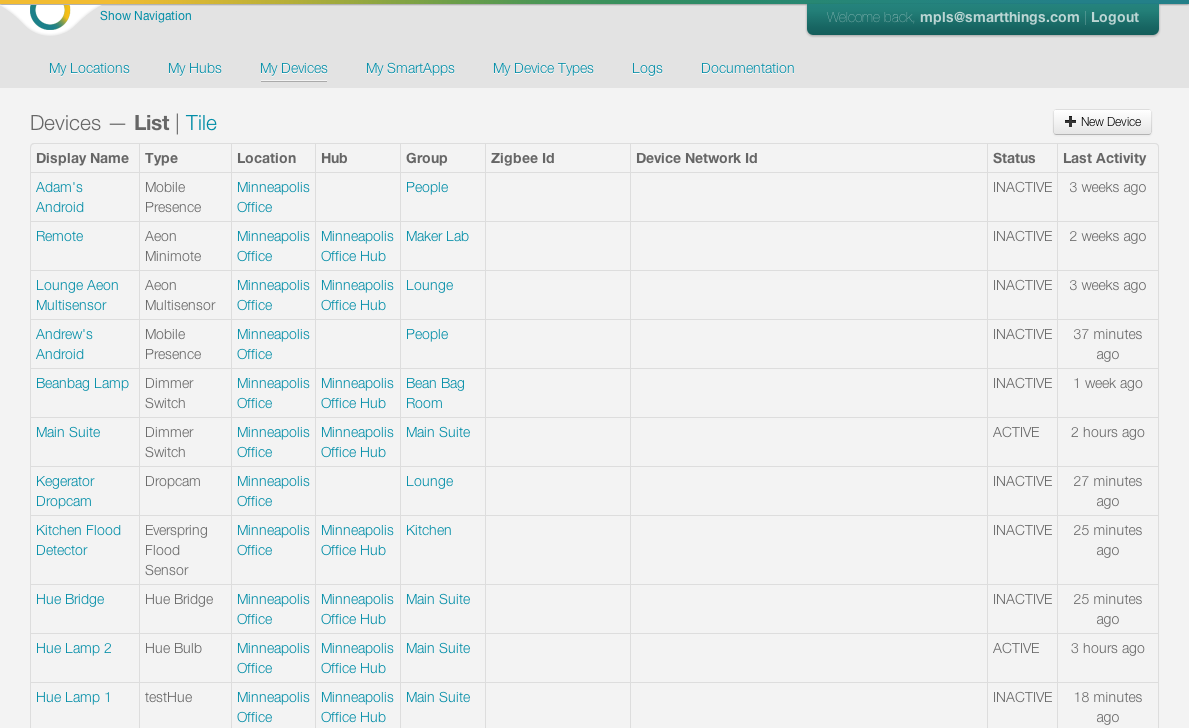
My Devices will show all devices attached to any of your Hubs. Choosing a particular device will give a comprehensive look at all of the attributes of your device, with the opportunity to observe all Events that have taken place, by clicking on List Events.
SmartApps
My SmartApps will show all your custom (written or edited by you) SmartApps. You can view the SmartApp status, category, and Locations from this list, as well as edit SmartApp metadata. You can click the SmartApp name to be taken to the editor where you can view and modify the code.
Device Handlers
My Device Handlers will show all your custom (written or edited by you) Device Handlers. ou can view the status, supported capabilities, and sessions from this list, as well as edit the metadata associated with this Device Handler. You can click on the name to be taken to the editor, where you can view and modify the code.
Publication requests
My Publication Requests will show all your publication requests for submissions to the PEA HiVE catalog, along with the publication request status.
Live logging
Live Logging will show a live logging view for your PEA HiVE account. Here you will find logs for all your installed SmartApps and Device Handlers. You can also filter the logs by a specific SmartApp.